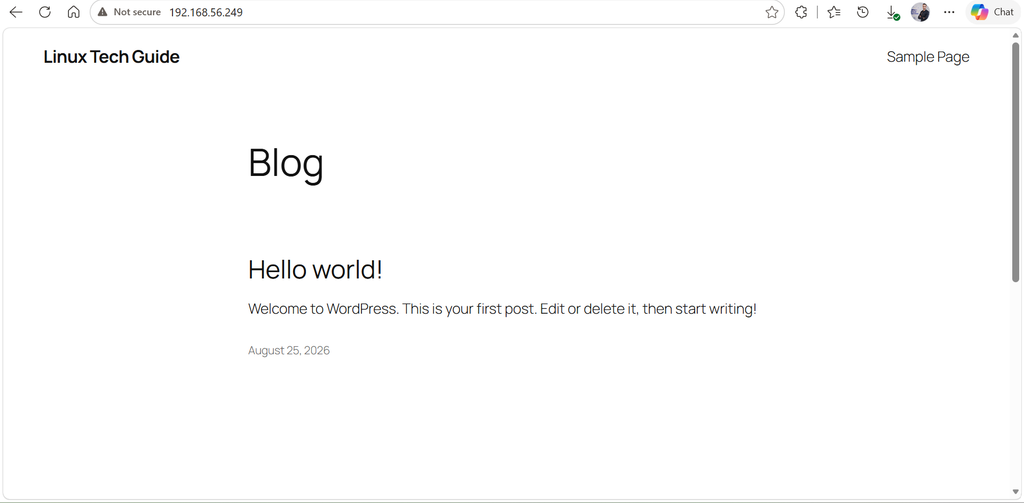
What is WordPress ?
WordPress : is an open-source content management system (CMS) that makes it easy to create and manage a website. It is the most popular CMS in the world.
Prerequisit
- root access to your Ubuntu 26.04 LTS server
- LAMP Stack installed and running
Installing Apache2 on your server
radouane@linuxtechguide:~$ sudo apt update && sudo apt install apache2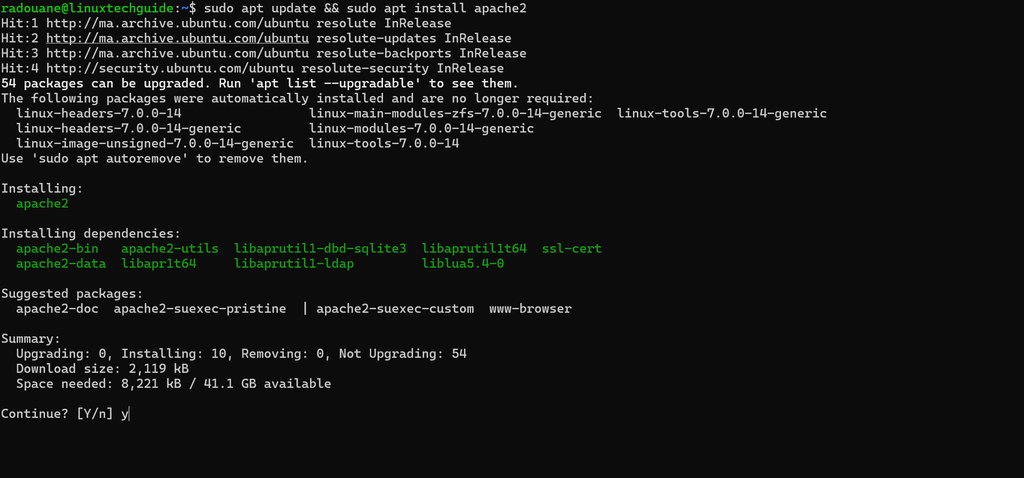
Once Apache2 is installed, start the service and configure it to start automatically at boot:
radouane@linuxtechguide:~$ sudo systemctl start apache2
radouane@linuxtechguide:~$ sudo systemctl enable apache2
Install PHP
PHP 8.5 is the default version of PHP that would be installed on Ubuntu 26.04.
radouane@linuxtechguide:~$ sudo apt install php php-mysql php-mbstring php-gd php-xml php-curl php-zip -y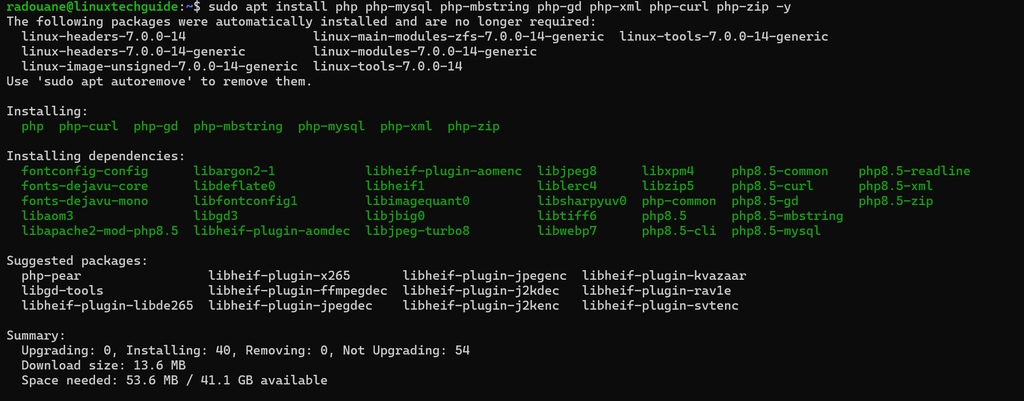
then restart apache2 service
radouane@linuxtechguide:~$ sudo systemctl restart apache2
Check the PHP version :
radouane@linuxtechguide:~$ php --version
Install MariaDB on Ubuntu 26.04
MariaDB is an open-source relational database that will be used to store WordPress data. to iInstall it , run the below command:
radouane@linuxtechguide:~$ sudo apt install mariadb-server mariadb-client -y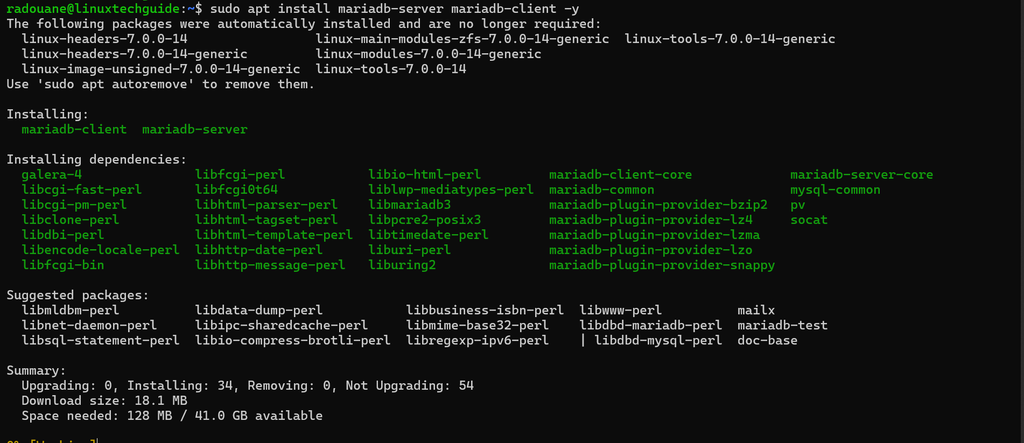
Once the installation is complete, check the status of MariaDB by running :
radouane@linuxtechguide:~$ sudo systemctl status mariadb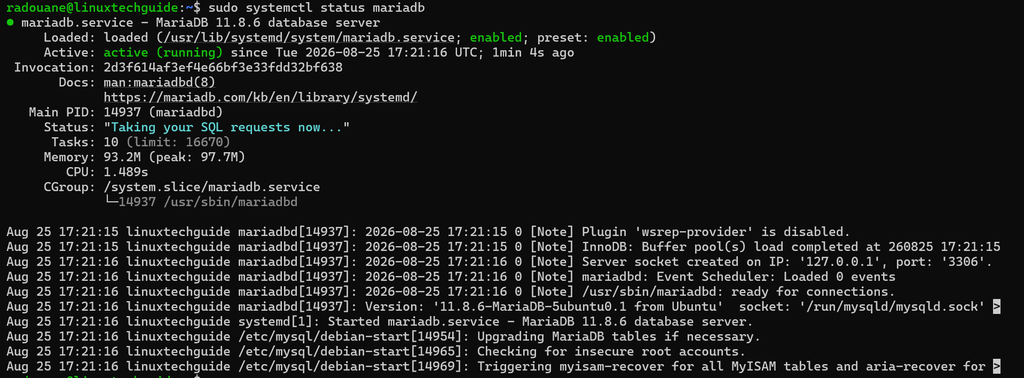
Use the following command to enable MariaDB to start automatically at boot time :
radouane@linuxtechguide:~$ sudo systemctl enable mariadb
Securing MariaDB
radouane@linuxtechguide:~$ sudo mariadb-secure-installation- Set Root Password: No
- Remove Anonymous Users: Yes
- Disallow Remote Root Login: Yes
- Remove Test Database: Yes
- Reload Privilege Tables: Yes
Log in to MariaDB
radouane@linuxtechguide:~$ sudo mysql -u root -p
CREATE DATABASE wordpress_db;

CREATE USER 'wordpress_user'@'localhost' IDENTIFIED BY 'Linux@3456';

GRANT ALL PRIVILEGES ON wordpress_db.* TO 'wordpress_user'@'localhost';

FLUSH PRIVILEGES;

exit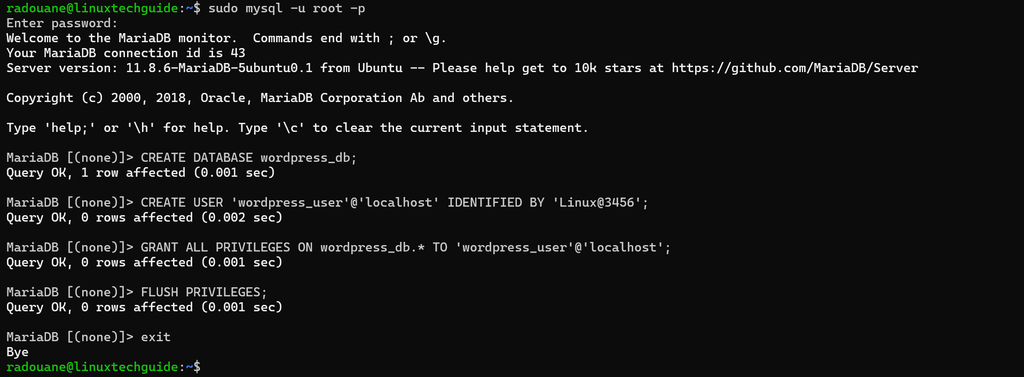
Downloading and Configuring WordPress
radouane@linuxtechguide:~$ cd /tmp
radouane@linuxtechguide:/tmp$ wget http://wordpress.org/latest.tar.gz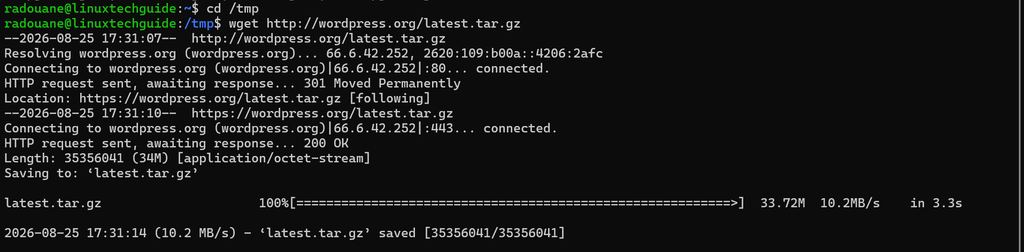
Unzip the archive
radouane@linuxtechguide:/tmp$ tar -xf latest.tar.gz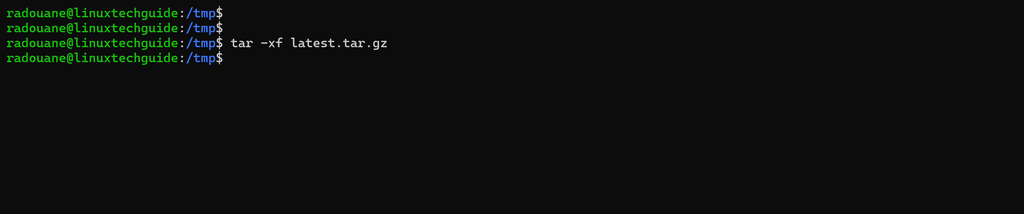
Move WordPress to the /var/www/html
radouane@linuxtechguide:/tmp$ cd wordpress/
radouane@linuxtechguide:/tmp/wordpress$ sudo mv * /var/www/html/
radouane@linuxtechguide:/tmp/wordpress$ sudo chown www-data:www-data /var/www/html -R
restart apache2 service
radouane@linuxtechguide:/tmp/wordpress$ sudo systemctl restart apache2
Remove the Default Apache index.html Page
radouane@linuxtechguide:/tmp/wordpress$ cd /var/www/html/
radouane@linuxtechguide:/var/www/html$ sudo rm -fr index.html
Then, enter your IP address or domain name in your web browser.
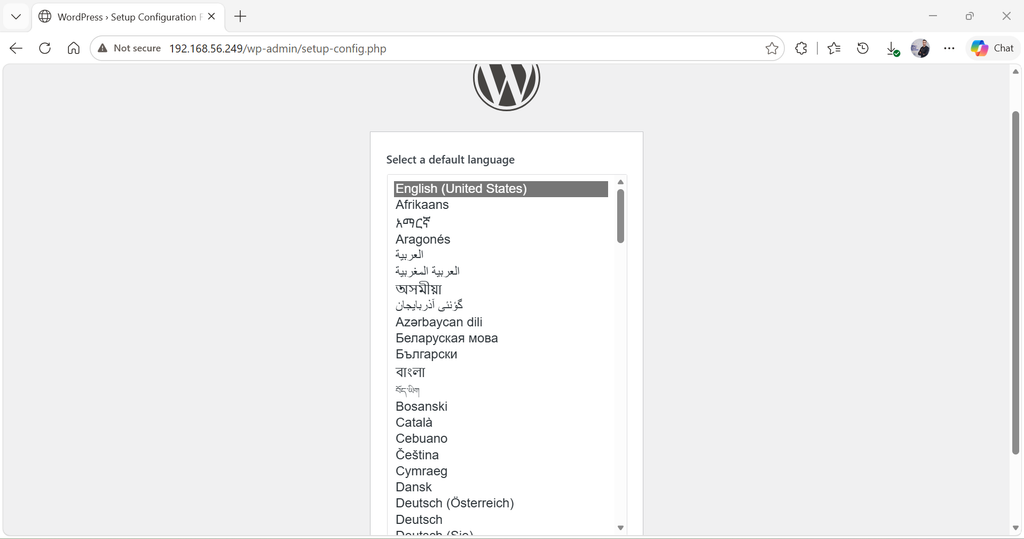
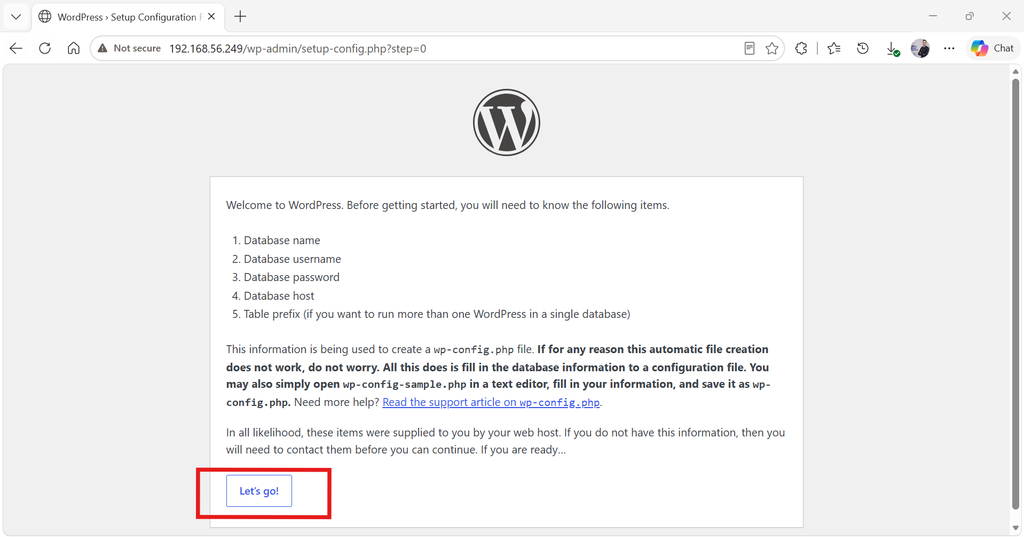
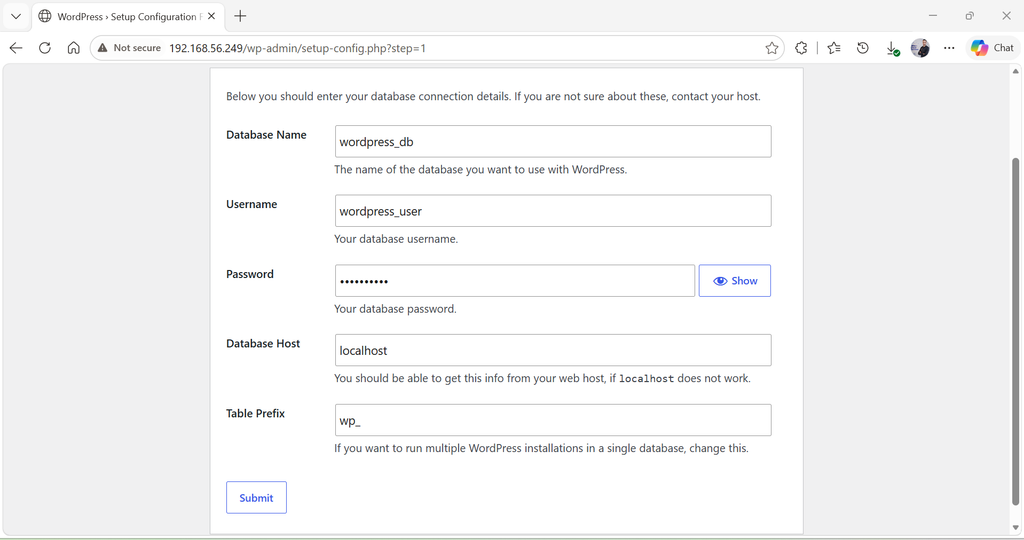
Click Let’s Submit
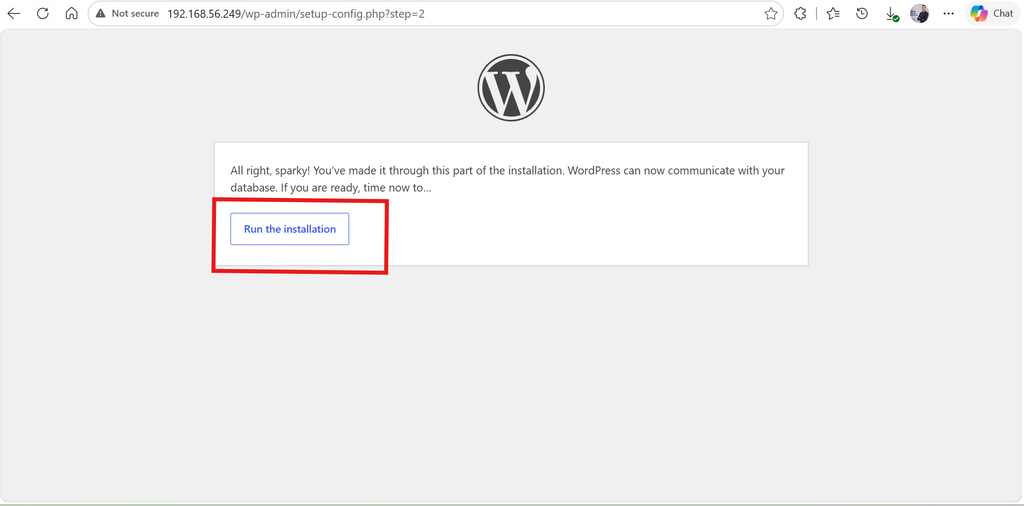
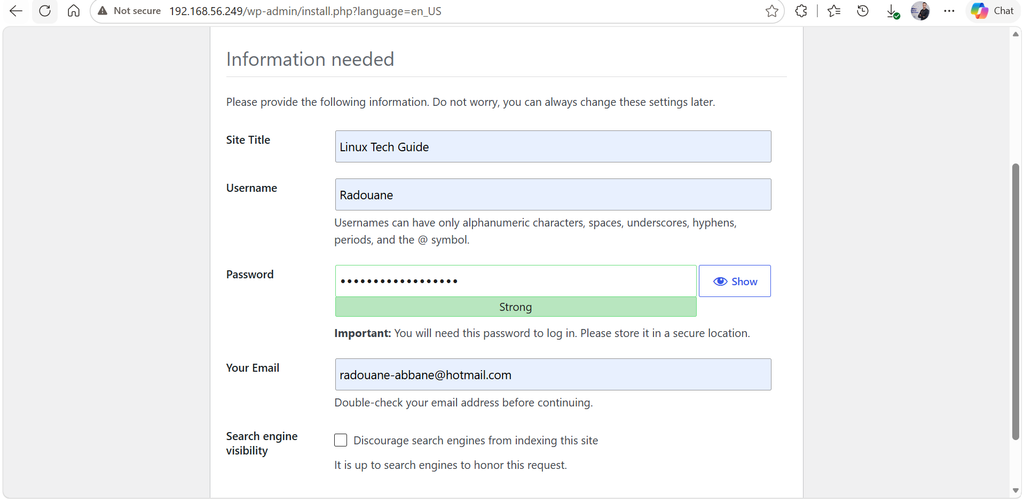
then :
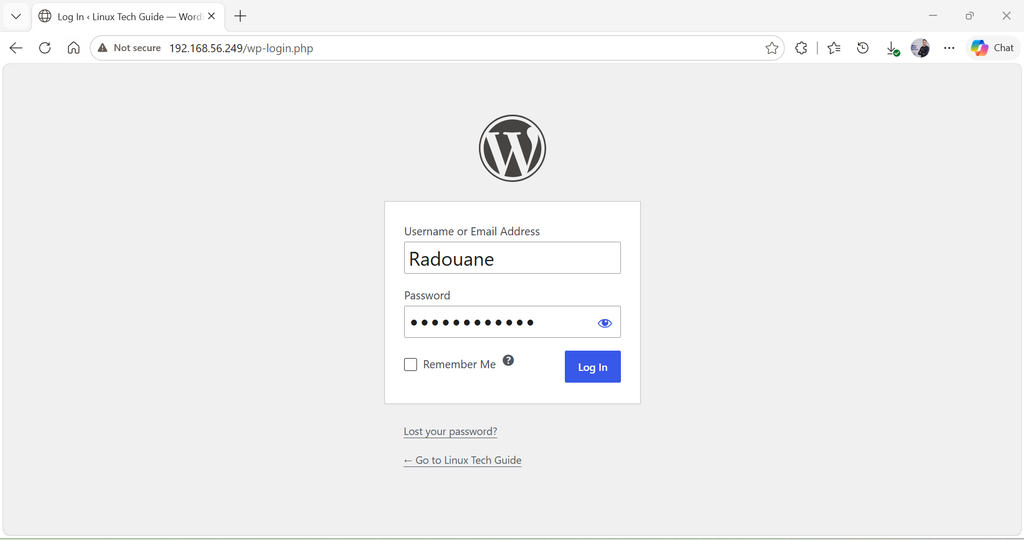
Complete the installation
Open a web browser and access your server using its IP address or domain name like : http://your_domain.com